Blockly_CPP_attempted_compile
NOTE FROM KITGAMR
I do NOT know (alot of) html, js, C or C++. I’m only compiling the site for use.*
Unless I somehow learn how to maintain this project by finishing the C and C++ parts of the project, this ain’t being worked on.*
Sorry!
Here’s the code editor, and Here’s the original respitory I forked.
- I’ve been adding things like “int main” arguments, custom code, and other small things. I don’t know if I’ll expand from here, but I’ve been making a bit of progress.
Blockly C++
This project has modified by three student at Kwangwoon University.
You can access the original project through the link below. Or check out the project I forked.
- https://github.com/Chris-Archive/Blockly_CPP
Project purpose
- A block editor allows you to visually check the c++ language and learn with reduced grammatical errors.
- It allows users to see that when coded into blocks, it translates into real c++ code and learn it.
- Use the example questions to try and debug coding using the functionality of the c++ language.
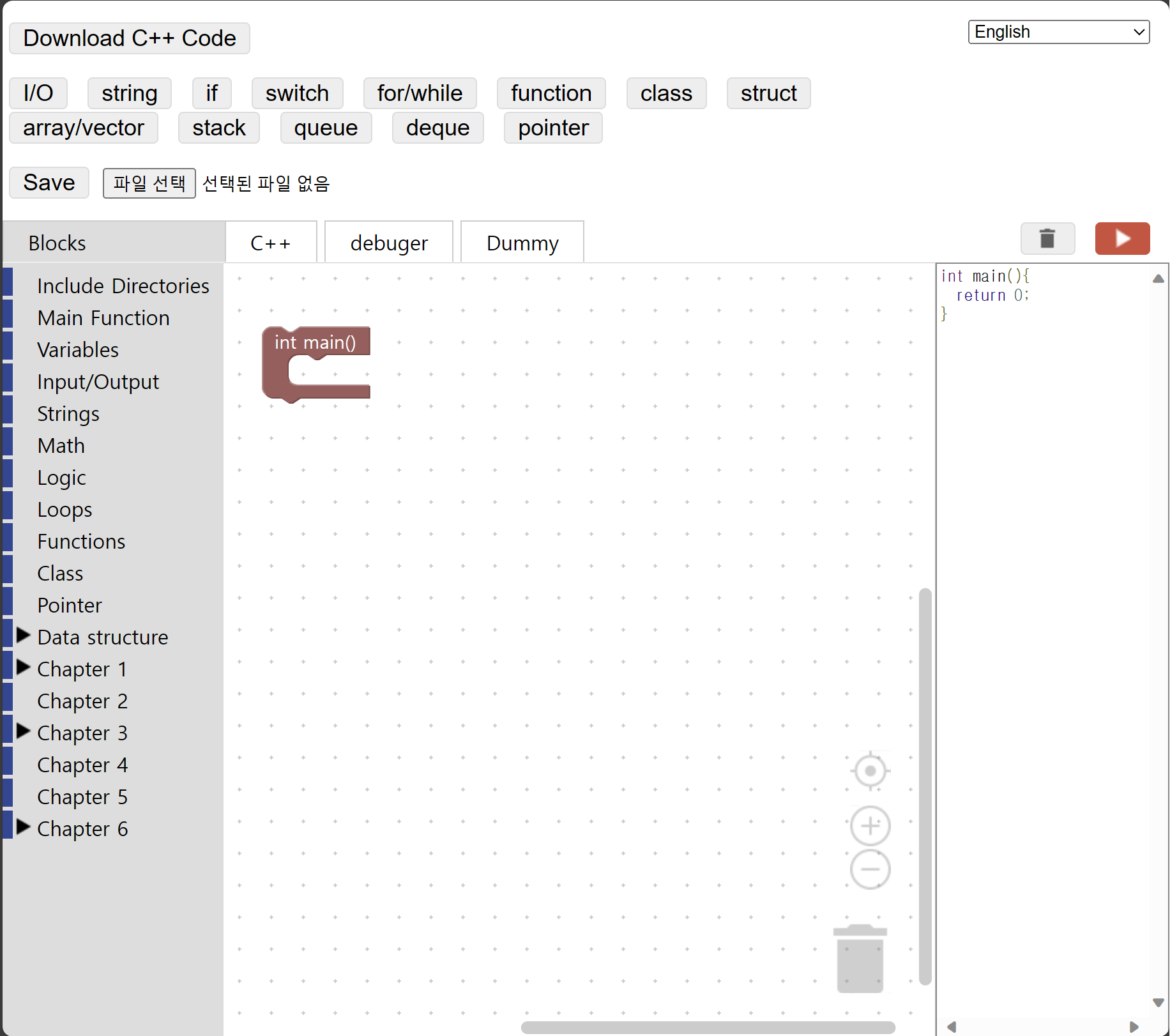
changes
- blockly_compressed.js
- demos/code.js
- demos/index.html
- demos/Blocks/Blocks - Type.js
- demos/Blocks/Changelog.js
- demos/Blocks/Chapter 7 - Classes.js
- demos/Blocks/Include.js
Added features
- Test buttons and examples
- An example using the functions added by Team 17 and the functions in the existing Blockly C++ was added.
- Press the button and you’ll see an example where you can try out the features written there.
- You can check the tooltip to see what examples the number contains.
- New blocks
- Class
- Queue
- Deque
- Stack
- Debugging capabilities
- Click on the debugger button to go to the site where you can debug and test the code you created. click here to try the site
How to use Blockly C++
Blockly C++ can be used locally by going to demos/code and opening “index.html” with a browser.
What the user should know
The problem with execution errors is that they are forced to transfer to c++ code in the original blockly development environment (following grammar such as javascript and python).